A door left unsecured after a shift change, an unattended loading area, or a delayed alert can create a serious exposure before anyone realizes there is a problem. Commercial security technologies give businesses better visibility, faster verification, and stronger control over these everyday risk points. But technology only delivers value when it is selected for the site, managed correctly, and supported by trained people who know how to respond.
For businesses, property managers, and facility leaders, the goal is not to put more equipment on the walls. The goal is to protect people, property, and continuity of operations without turning the workplace into an obstacle course for employees, tenants, customers, or visitors.
What Commercial Security Technologies Should Do
The right technology should help answer practical operational questions: Who entered the building? Is a restricted area secure? Is an alarm a real threat or a false activation? Where should personnel be deployed? What happened before, during, and after an incident?
A well-designed system improves prevention and response at the same time. Visible cameras and controlled entry points can discourage opportunistic crime. Real-time alerts can help a security officer, manager, or response team act before a minor issue becomes a loss, injury, or disruption. Accurate records also support investigations, insurance claims, internal reviews, and decisions about future security coverage.
Technology does have limits. A camera records activity but does not physically intervene. Access control may restrict a door, but a tailgating visitor can still defeat the process if staff are not attentive. An alarm notification is only useful when someone has clear responsibility for assessing and responding to it. Commercial security is strongest when technology, procedures, and professional personnel work as one operating plan.
The Core Commercial Security Technologies for Most Sites
Video surveillance and remote monitoring
Modern video surveillance does more than capture footage after a break-in. Properly positioned cameras provide live awareness at entrances, parking areas, lobbies, receiving zones, cash-handling areas, perimeters, and other points of concern. Video can help confirm whether an alarm is legitimate, document suspicious behavior, and direct responding personnel to the right location.
Camera placement matters more than camera count. A low-quality image pointed at the wrong angle will not identify a person, vehicle, or critical action when it matters. Lighting, blind spots, retention periods, network reliability, and privacy expectations all need to be addressed during planning.
Remote monitoring can extend coverage outside normal business hours, particularly for vacant properties, construction sites, storage yards, and multi-location operations. It is not a substitute for on-site personnel in every setting. Sites with frequent public interaction, high-value assets, active incidents, or complex access needs may require officers who can make observations, communicate directly, and take immediate action.
Access control and visitor management
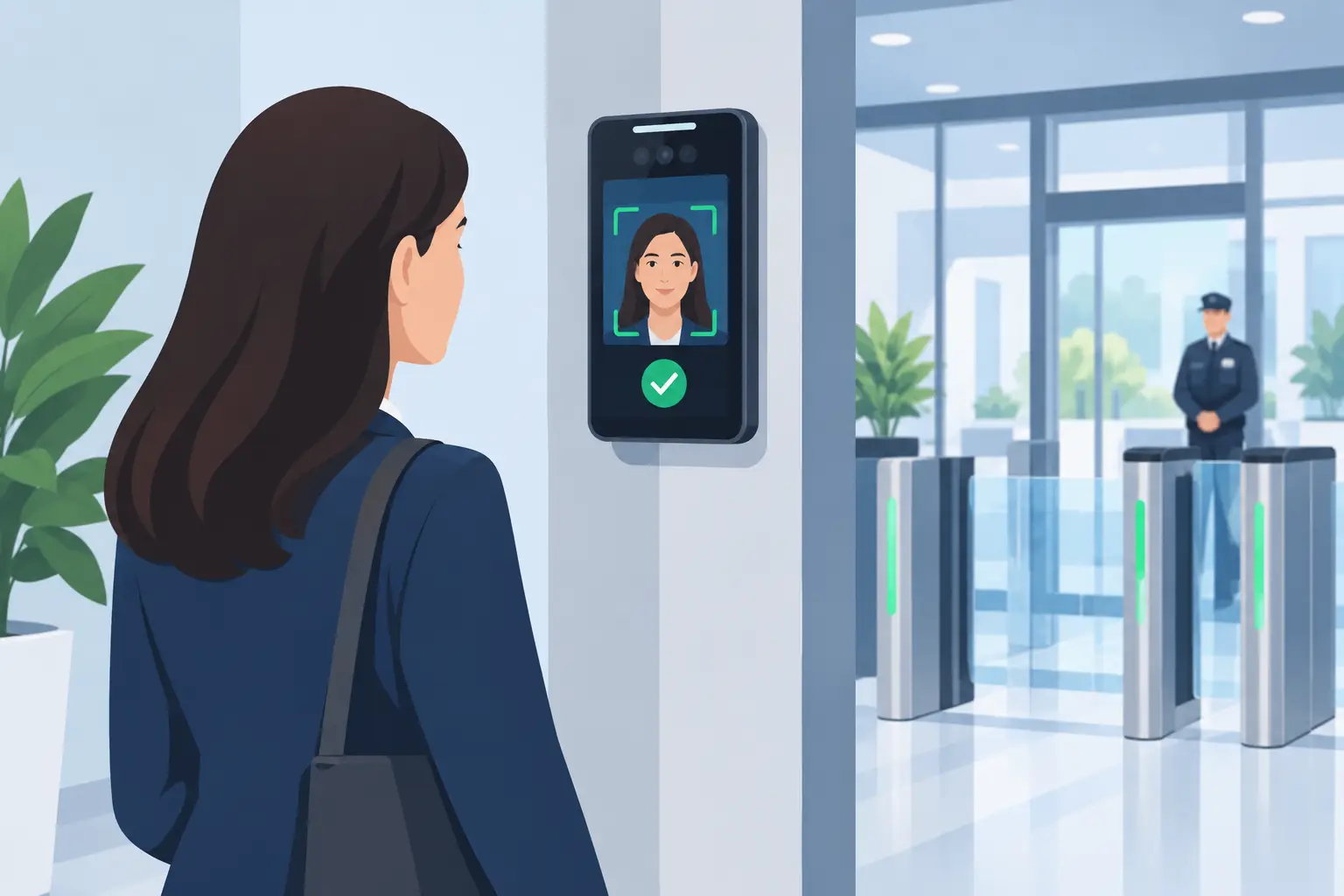
Keys are difficult to track, easy to copy, and rarely provide a reliable record of entry. Electronic access control allows a business to assign credentials, limit access by role or schedule, and remove access quickly when an employee or contractor no longer needs it.
For offices, healthcare facilities, warehouses, apartment communities, and critical infrastructure sites, this level of control can reduce exposure at sensitive doors and restricted areas. It also gives management an audit trail that can be valuable after an incident or policy concern.
Visitor management adds another layer for sites that receive vendors, clients, delivery drivers, and guests. Depending on the environment, this may include registration, identification checks, temporary badges, escort requirements, and notification to the host. The process should match the site. A corporate headquarters may need formal screening, while a busy commercial property may need a simpler process that keeps traffic moving while still documenting access.
Intrusion detection and alarm systems
Door contacts, glass-break sensors, motion detectors, panic buttons, and perimeter sensors can provide early notice of unauthorized entry or immediate danger. These tools are especially useful when a facility is closed, lightly staffed, or spread across a large footprint.
The key issue is alarm management. Frequent false alarms lead to complacency, wasted response time, and unnecessary expense. Systems should be tested regularly, configured to account for legitimate activity, and paired with a response protocol that identifies who receives notifications, who verifies the event, and when law enforcement or security personnel are dispatched.
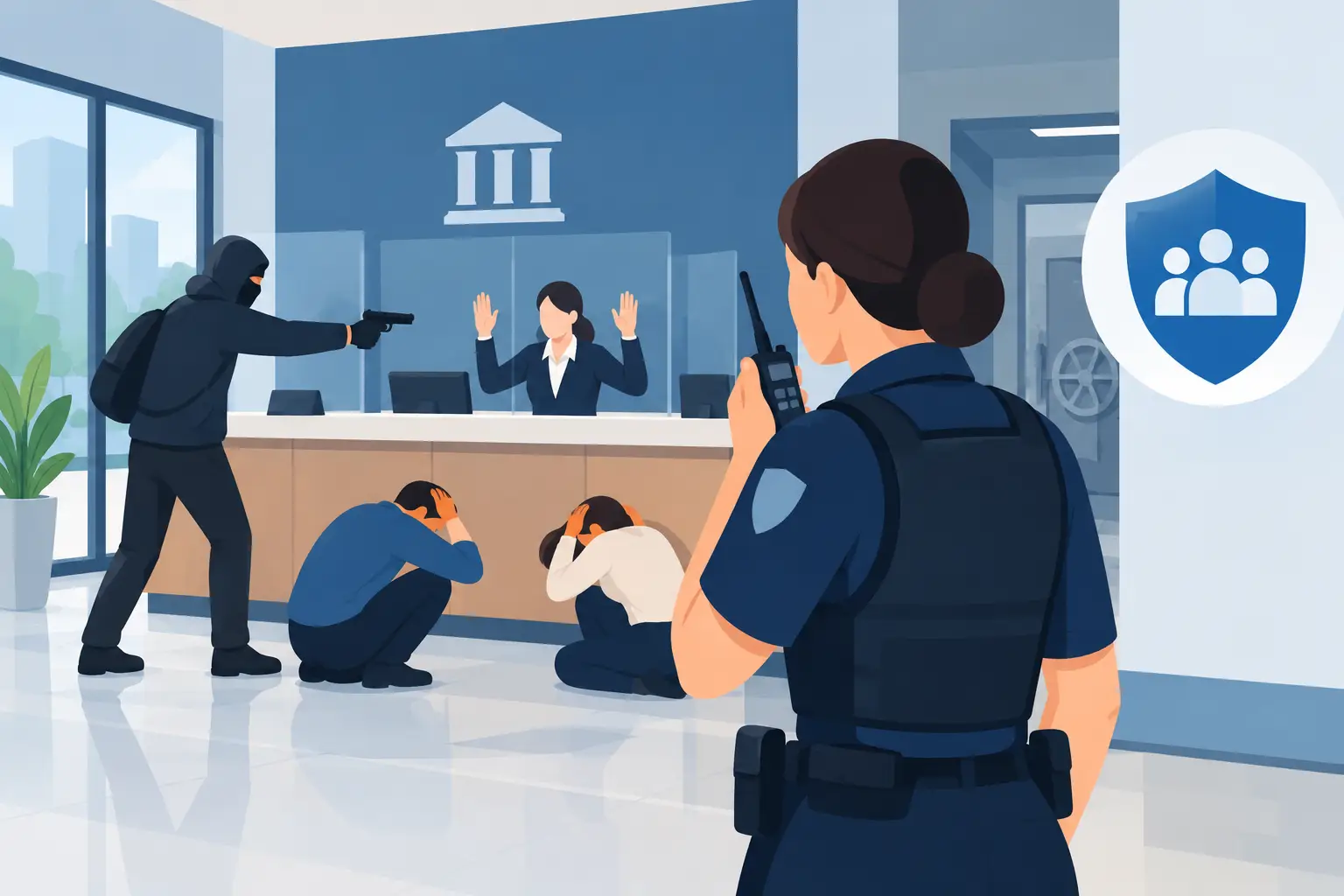
Panic alarms and duress buttons deserve separate attention. In banks, retail settings, healthcare environments, government facilities, and workplaces facing elevated threats, staff need a simple way to request help without escalating a situation. Employees must also understand when and how to use the device. Equipment without training can create confusion at the moment clarity is most needed.
Analytics, sensors, and early incident detection
Video analytics, license plate recognition, occupancy sensors, environmental monitors, and other detection tools can help identify patterns that a person might not immediately see. For example, analytics may flag loitering near a restricted entrance, movement in a closed area, or a vehicle entering a controlled zone outside approved hours.
These capabilities can be useful, but they require disciplined configuration. Poorly tuned analytics can create excessive alerts and cause staff to ignore the system. Detection rules should reflect actual site risks, operating hours, weather conditions, normal traffic patterns, and the capacity of the team responsible for reviewing alerts.
Businesses should also be careful about privacy, data retention, and applicable laws. A security provider or consultant can help establish a practical policy for what is recorded, who can access it, how long it is kept, and how the organization handles requests for footage or data.
Build the Technology Around the Risk
There is no universal security package. A retail center, logistics yard, financial institution, corporate office, and special event have different threat profiles, hours, public access needs, and response requirements.
Before selecting equipment, decision-makers should evaluate four basic questions:
- What assets, people, and areas require the highest level of protection?
- When is the site most vulnerable: during business hours, overnight, during deliveries, or at special events?
- Who will monitor alerts and make decisions when the system identifies a concern?
- What response is required if a threat is verified?
This assessment prevents a common mistake: buying technology because it is available rather than because it solves a defined problem. A business with repeated after-hours trespassing may benefit most from perimeter detection, cameras, lighting improvements, and mobile patrol verification. A facility with workplace violence concerns may need controlled entry, duress alerts, trained officers, and a clear crisis response plan. The solution depends on the risk, not the latest feature.
Integration Matters More Than Features
A security system becomes more effective when its parts communicate and its users have clear procedures. Camera views tied to an access event can help verify whether a credential was used properly. A confirmed alarm can trigger a mobile patrol dispatch. Visitor records can support accountability during an emergency evacuation. These workflows reduce uncertainty and improve response speed.
Integration should not mean unnecessary complexity. Systems that are difficult to operate are often bypassed, ignored, or used inconsistently. Facility managers need reporting that is useful, not a flood of data. Employees need simple instructions. Security personnel need dependable communications and site-specific post orders that explain what to monitor, who to contact, and how to escalate an incident.
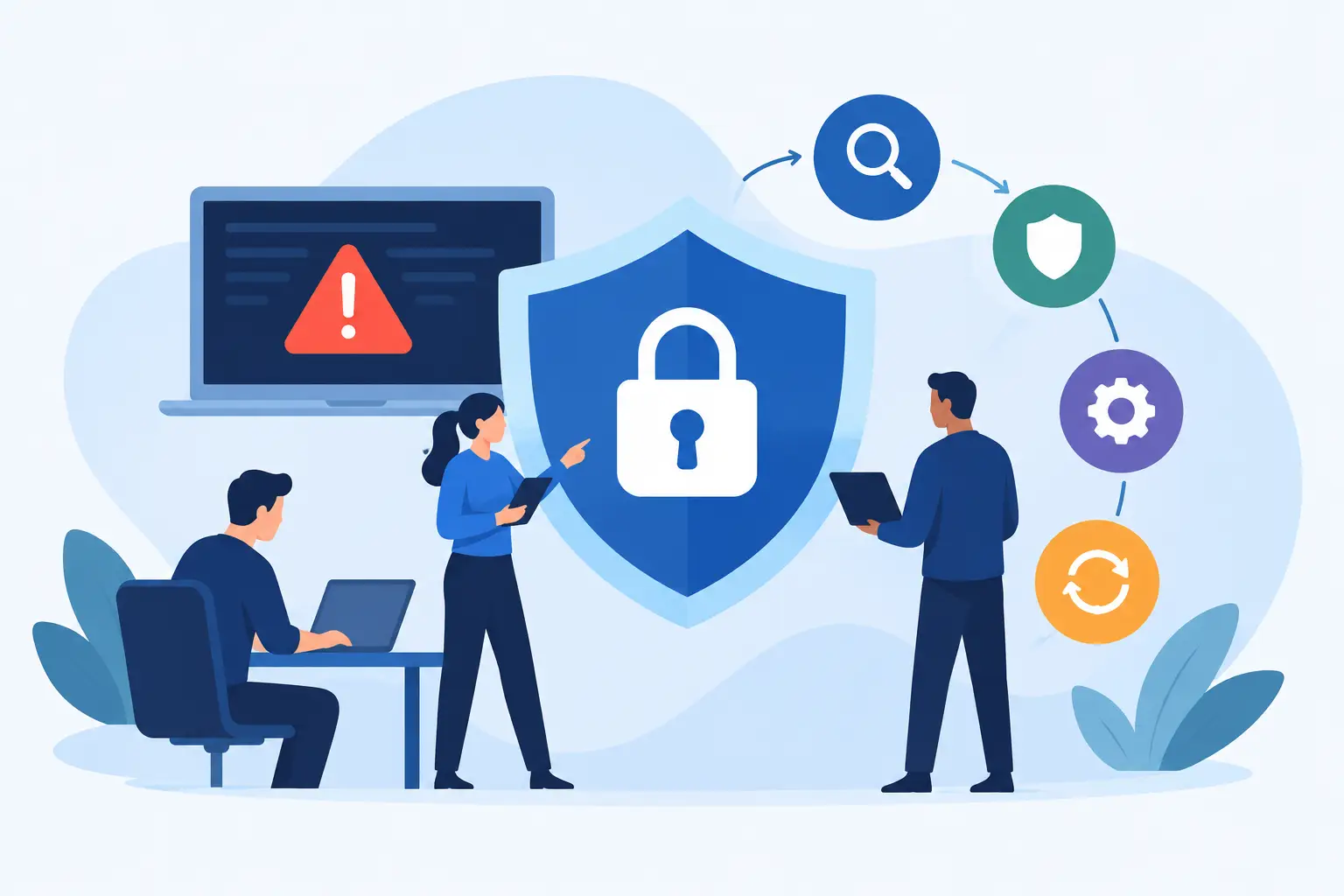
Cybersecurity also belongs in the conversation. Network-connected cameras, access systems, and alarm platforms must be protected with strong credentials, access permissions, software updates, and secure network practices. Physical security and cyber security are no longer separate concerns when the systems protecting a facility rely on connected devices.
Put Trained Personnel at the Center of Response
Technology can provide awareness, but trained professionals provide judgment. Security officers can identify behavior that does not fit the environment, de-escalate conflicts, manage access, assist during emergencies, and coordinate with law enforcement or management when conditions require it.
For many organizations, the best approach is layered coverage: technology for broad, continuous awareness; mobile patrol for varied or after-hours properties; and on-site officers where direct presence, immediate response, or customer-facing security is necessary. This approach can control costs while preserving meaningful protection.
Springfield Private Security approaches technology as part of a larger physical risk management plan. The right equipment should support the client’s operations, not interrupt them. That requires a site assessment, clear response procedures, trained personnel, and regular review as the property, workforce, or threat environment changes.
The useful question is not, “What security technology should we buy?” Ask instead, “What could disrupt our people or operations, and how quickly can we detect, verify, and respond?” The answer will point to a security plan built for the way your business actually operates.